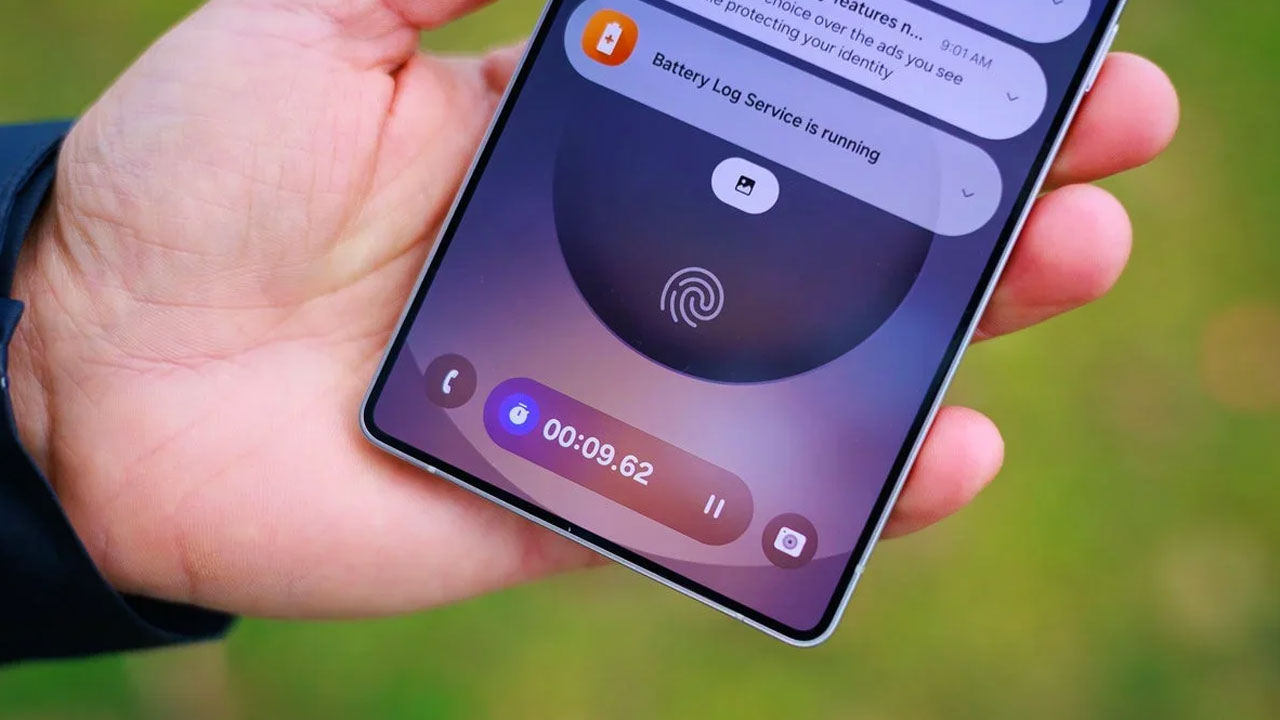
The technology giant, Samsung, is currently engaged in the advanced preparation and development of a particularly useful enhancement designed to improve the daily user experience, which is frequently labeled as a “quality of life” upgrade. This anticipated and beneficial change is scheduled for full integration within the company’s next major mobile operating system release, the One UI 8.5 software.
The upcoming update is intended to stop the constant buzzing caused by irritating ad notifications that are sent by apps that are not behaving correctly. The One UI 8.5 system automatically moves these applications into deep sleep. This ensures they cannot continue to send unwanted messages that fill up your notification shade.
Galaxy Phone Will Block Excessive App Ad Notifications
This new feature is specifically engineered to concentrate its efforts on preventing applications from sending an excessive number of irritating ad notifications. It is important to note that this functionality is not intended to block or interfere with advertisements that are shown to the user while they are actively using the application itself.
Advertisements that appear within an application cannot be blocked by the operating system. Removing those particular ads unfortunately requires the user to acquire a paid, premium subscription.
In contrast, if the problem is unwanted notification spam, the One UI 8.5 system will manage and solve the issue for you automatically. It looks like Samsung is developing a two tiered system designed to automatically detect and control any applications that repeatedly send unwanted ad notifications.
The initial, basic blocking mechanism may use a list of apps created in advance. This list includes applications known for sending advertising notifications frequently. If your phone detects one of these problematic applications, One UI 8.5 will automatically block its advertising notifications and place the app into deep sleep mode to stop it from bothering you.

Smart Blocking System Prevents Notifications From Appearing
In contrast, the Intelligent Blocking system performs its analysis of your device’s notifications directly on the phone itself. When the system identifies a notification as an advertisement and decides that you are receiving too many of them, it will then block those notifications from appearing.
Samsung notes that the system’s analysis may not always be perfect. Nevertheless, it should achieve a significant decrease in the amount of daily notification spam. Naturally, your phone will not actually uninstall the spam sending applications completely. The system simply moves those applications to a separate area where they cannot bother the user.

The List of Applications Can Be Found in the Settings Menu
You can access the list of these apps in your phone’s Settings menu. Follow the path: Device care, Care report, and then Excessive alerts. In that menu, you will be able to see the applications that were moved into Deep Sleep for sending too many ad notifications. You can then take any necessary action regarding those apps. The feature’s goal is undermined if the user simply disables it. Therefore, having the ability to set exceptions appears to be the correct balanced solution.
The One UI 8.5 update will debut alongside the Galaxy S26 series in early 2026. Consequently, we should soon know Samsung’s final plans for improving this much needed upgrade.